How We Picked These Tools
We selected each app based on how well it supports real HVAC workflows, not just generic software features. Our criteria included:
- Mobile availability on iOS and Android
- Usefulness for field-based HVAC work, not office-only tasks
- Relevance to HVAC contractors and technicians
- Positive user feedback from service and trade businesses
Every app listed below is actively used by technicians or HVAC business owners to solve day-to-day operational challenges.
TL;DR: Handyman Time Tracking Apps Compared
| Product | Key Features | Pricing | G2 Rating |
|---|---|---|---|
| ClockShark |
| from US $40/month per user (Pricing) | 4.6 / 5 (≈ 311 reviews) (G2) |
| Jobber |
| Basic ~ US $59/month (Pricing) | 4.6 / 5 (≈ 435 reviews) (G2) |
| Fieldvibe |
| Basic ~ Free! Solo ~ $20/month (Pricing) | 5/5 (≈ 2 reviews) (Capterra) |
| Housecall Pro |
| Basic ~ $59/month (Pricing) | 4.3/5 (≈ 201 reviews) (G2) |
| Toggl Track |
| Free up to 5 users, Starter ~ $9/month (Pricing) | ~ 4.6 / 5 (≈ 1580 reviews) (G2) |
| Connecteam |
| $0 for small businesses. Basic from $29/month for up to 30 users (Pricing) | ~ 4.6/5 (≈ 3,341 reviews) (G2) |
| Apploye |
| Entry-level pricing (Pricing) | ~ 4.6/5 (≈ 13 reviews) (G2) |
| Clockify |
| Free for upto 10 users, $4.50 per user/month (Pricing) | ~ 4.5 / 5 (≈ 189 reviews) (G2) |
| Zoho People |
| Plans start at US $0.83 / user/month for basic package (Pricing) | ~ 4.5/5 (≈ 360 reviews) (G2) |
| Sitemate |
| Pricing varies, based off tool (Pricing) | Product dependant - DashPivot is most popular ~ 4.7/5 (≈ 75 reviews) (Capterra) |
*Pricing is indicative; check the vendor for current offers.
What ClockShark is and what it offers
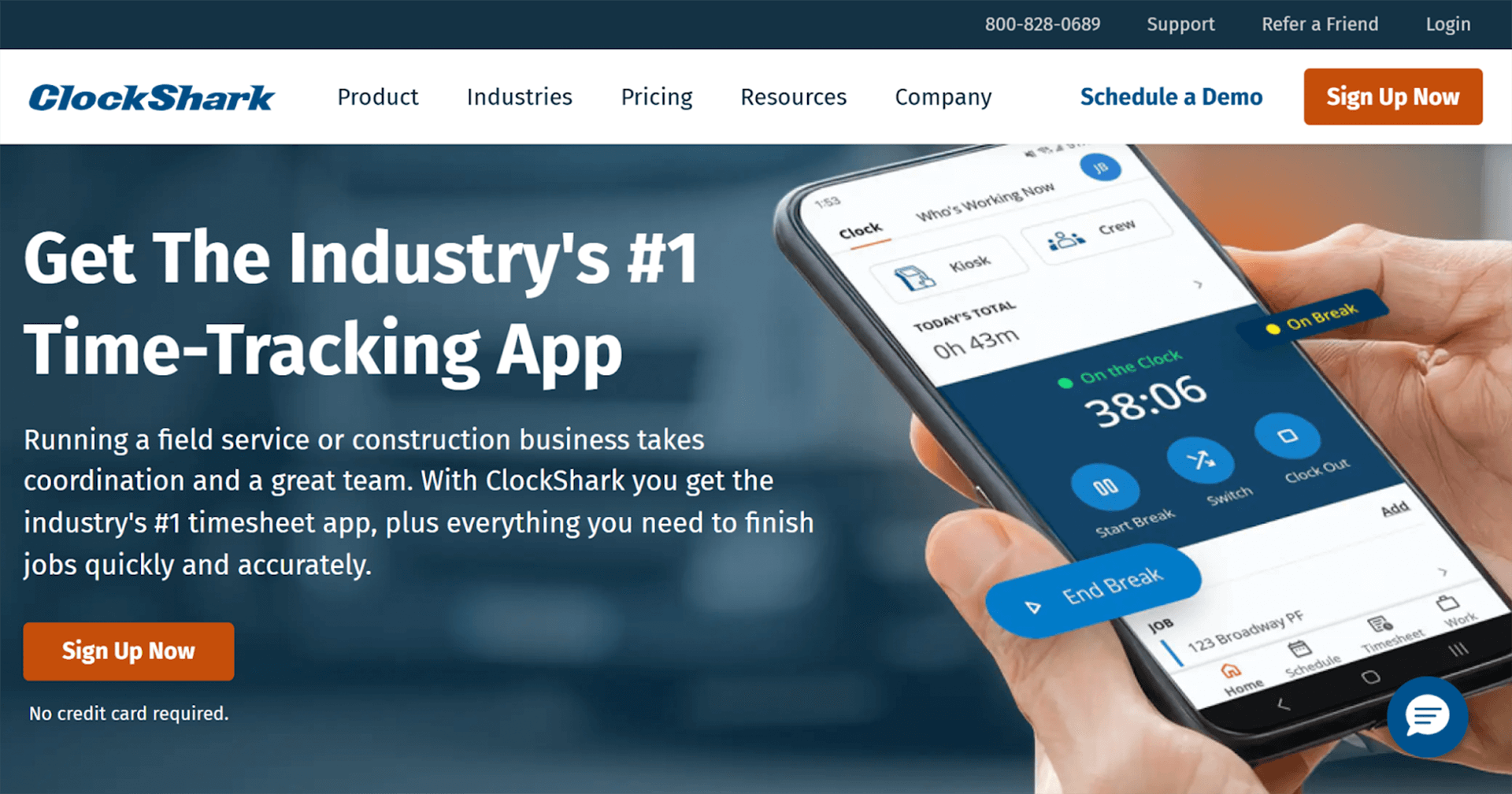
ClockShark is built for crews who spend their days on job sites rather than behind a desk. Every worker can clock in from a phone as they arrive, and their hours are automatically linked to the job they are on. Office teams no longer need to chase timesheets, decipher handwriting or guess where crews were working. The system tracks time, job location and labor costs in the background.
Scheduling is handled in the same place. Jobs and shift assignments are created on a calendar, pushed to workers’ phones and updated in real time if plans change. Crews see where they need to be and what needs to be done next, while managers can view who is on site, who is traveling and which jobs are in progress.
ClockShark solves a common pain for contractors: aligning time entries with payroll, invoicing and job costing. Hours logged on site flow straight into timesheets that can be used for billing and payroll without retyping anything.
Pros
- Easy mobile clock-in/out with GPS and geofencing for accurate time and location logging
- Simple, intuitive interface with fast team adoption
- Job scheduling, job costing, reporting and payroll/invoicing integrations reduce admin and errors
- Good value for small and mid-sized businesses moving away from paper timesheets or spreadsheets
Cons
- Reporting and customization are more limited than heavy project platforms
- Can feel basic for very large organisations with complex scheduling or analytics needs
- Some reviewers mention occasional glitches in the mobile app
“Great app, my entire shop uses it. But the tolerances for what's a correct charge are a bit off. For subcool, only 1 degree off is all I'll allow. Would be nice if I could adjust what is considered a correct charge in settings, but that may just be me. Other then that, has all the refrigerants even 454B as it came out and works great.”
Ideal For
- Small to mid-size field teams working across multiple job sites who need accurate, GPS-verified time logs.
- Contractors and handymen who want time entries to flow directly into payroll and invoicing, without manual admin.
Businesses that schedule crews daily and need shift/job assignments pushed to mobile devices.
Jobber
What Jobber is and what it offers
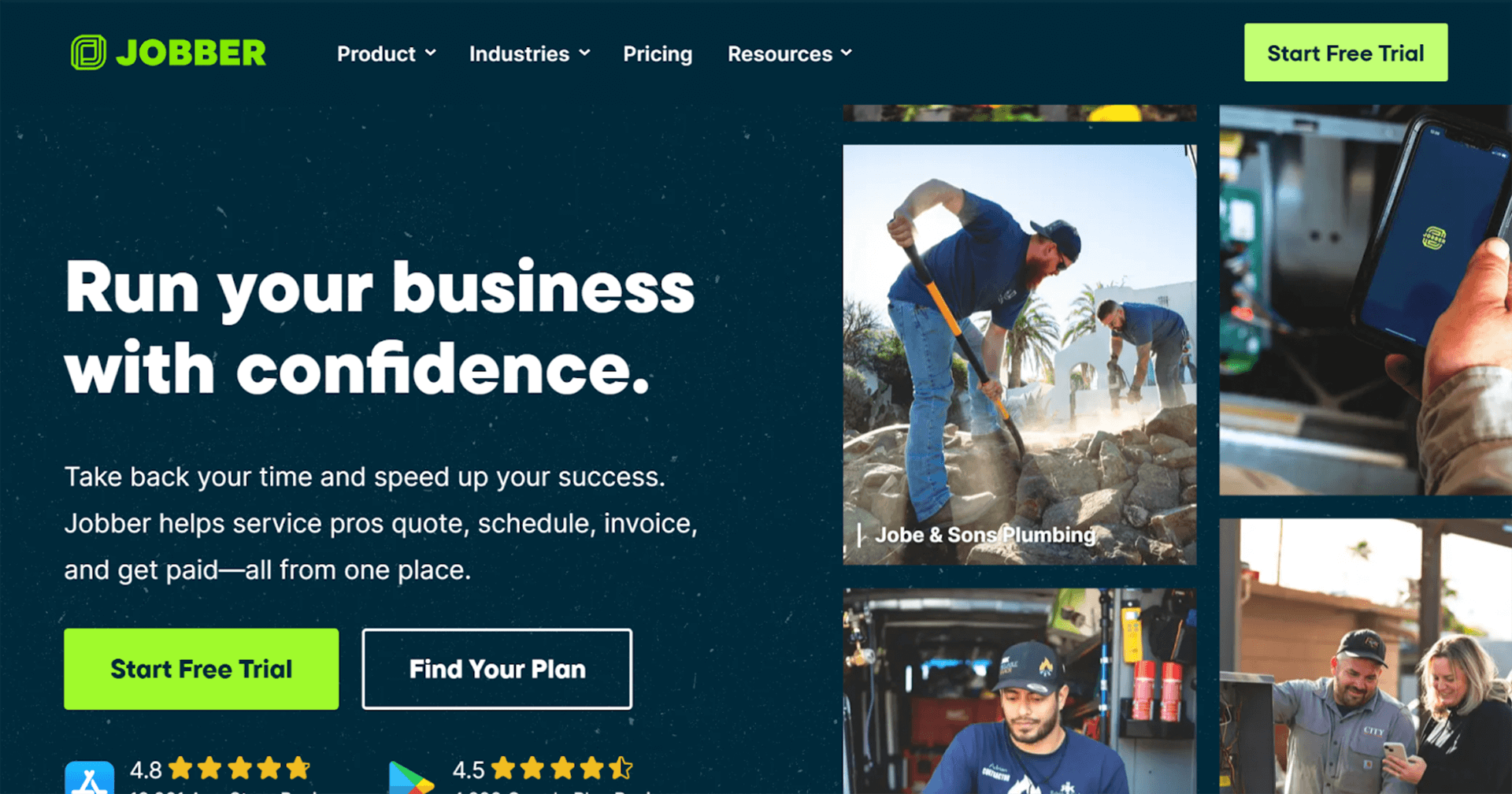
Jobber is built for businesses that juggle customers, quotes, jobs and invoices every day. A typical workflow starts with a customer request, turns into a quote, becomes a scheduled job, and ends with a paid invoice. Jobber keeps that entire sequence in one place so nothing falls through the cracks.
Instead of switching between email, calendars and spreadsheets, teams see every customer, every booking and every task on a single dashboard. Jobs can be assigned to field staff, routes planned, and updates sent to customers automatically. When a job is completed, the invoice is ready with the details already captured.
Jobber is especially strong in customer communication. Clients receive reminders, confirmations and follow-ups without anyone on the team manually writing them. Job history and notes are stored for future visits, which makes recurring work faster and more consistent.
Pros
- Streamlines the full process from first quote through to final invoice
- Organizes clients, jobs, schedules and payments in one system
- Strong customer communication tools and job history
- Scales well for small and growing teams
Cons
- Can feel like more software than needed for simple time tracking and costing
- Higher cost and setup effort may not suit solo trades or very small crews
“My overall experience with Jobber has been very positive. It’s a powerful tool that has brought structure and efficiency to my HVAC/R Filtration business. From scheduling and dispatching to invoicing and client communication, everything is streamlined in one easy-to-use platform.”
Ideal For
- Home-service businesses with repeat customers where quotes, jobs, schedules and invoices need to stay connected.
- Trades such as plumbing, lawn care, cleaning, painting, and maintenance, who rely on job history and reminders.
- Owners who want clients to receive automated confirmations, follow-ups, and invoices to look more professional.
Fieldvibe
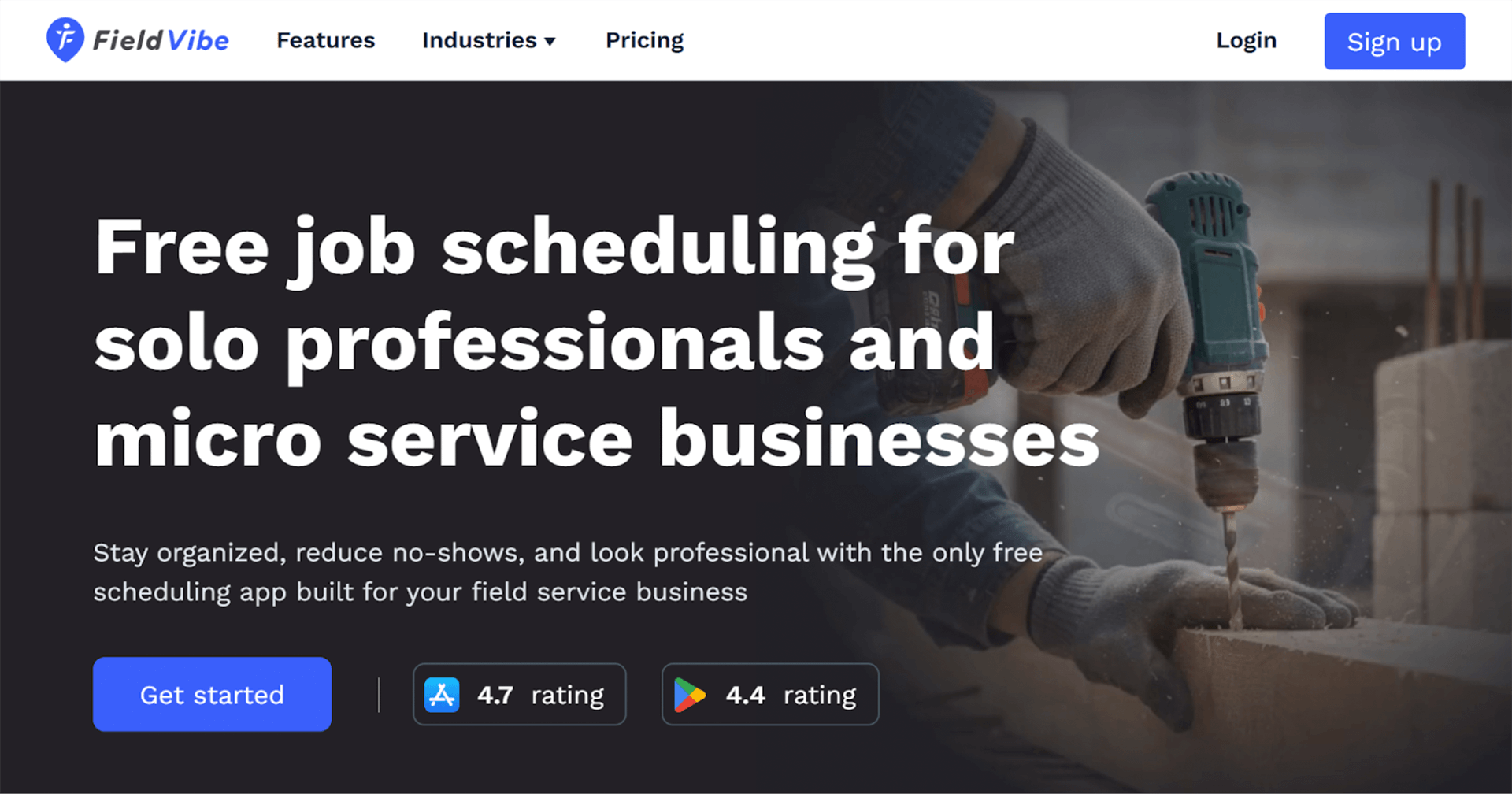
What Fieldvibe is and what it offers
Fieldvibe is a lightweight scheduling and time tracking tool for mobile trades teams. It allows users to assign jobs, schedule technicians, track time and manage day-to-day field coordination without the complexity of a full field-service management platform. It is built for speed and ease, making it useful when work moves quickly between sites.
Fieldvibe focuses on simple scheduling and job assignment, which suits handyman teams who need to keep track of multiple small jobs and technicians. Hours can be logged, jobs marked complete and team availability viewed in a single dashboard.
Pros
- Simple and fast to use
- Lightweight scheduling and job assignment
- Less overwhelming than full-service platforms
- Useful for frequent job shifts and mobile crews
Cons
- Limited accounting, invoicing and job costing features
- May require manual export for payroll or billing
- Not ideal for detailed reporting or back-office automation
“The app look very slick and is very easy to use. I loved the fact that we received the first 2 accounts for free, all features included. This is very helpful for small companies like ours.”
Ideal For
- Small teams that need fast, simple scheduling and time logging without a full platform to configure.
- Crews moving between many small jobs each day and just need to see “who goes where next.”
- Businesses where admin is minimal and the priority is keeping the workday organized.
Housecall Pro
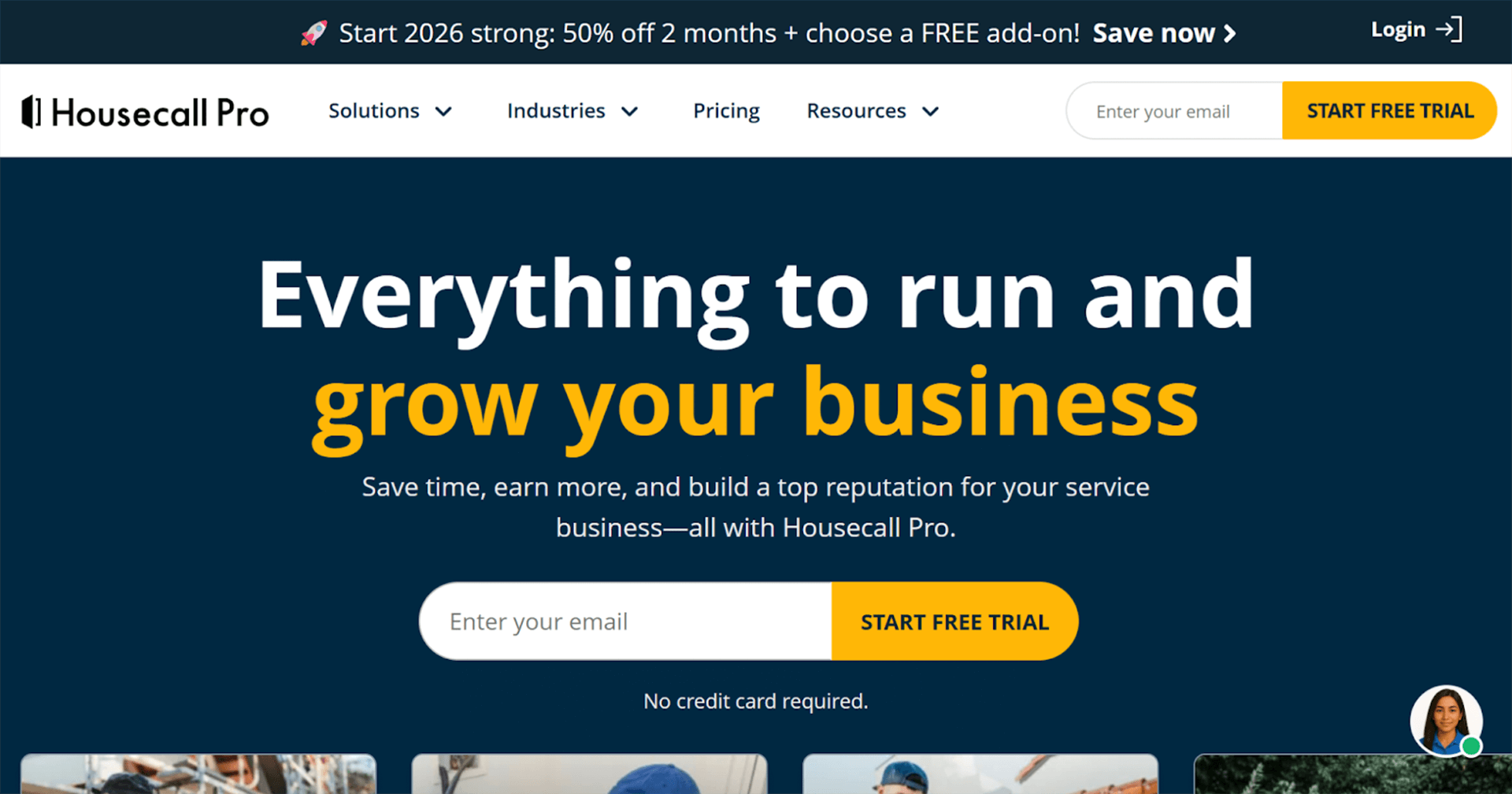
What Housecall Pro is and what it offers
Housecall Pro is an all-in-one field-service platform for small and growing home-service businesses. It combines job scheduling, dispatching, time tracking, customer CRM, job history, billing and invoicing. Field technicians can manage work from a mobile app while office staff track jobs, payments and communication.
The platform is known for being accessible and user-friendly, helping teams manage multiple technicians, customers and jobs without switching between tools.
Pros
- All-in-one tool for scheduling, time, billing and customer history
- Helps reduce admin and spreadsheets
- Clean interface and strong onboarding experience
- Good for teams managing multiple technicians
Cons
- Can be over-featured for solo contractors or very small crews
- Higher cost compared to simple time trackers
- If only time tracking is needed, other tools may be more cost-effective
“Housecall Pro has an amazing customer service team and there is always someone to respond to questions. I thoroughly appreciated that part of the experience with the app as it transpired to my understanding of how things work within it!”
Ideal For
- Growing home-service operations with multiple technicians and a constant flow of jobs.
- Teams needing dispatch, billing, customer history and mobile access in one place.
- Businesses that want to reduce spreadsheets and manual coordination as they scale.
Toggl
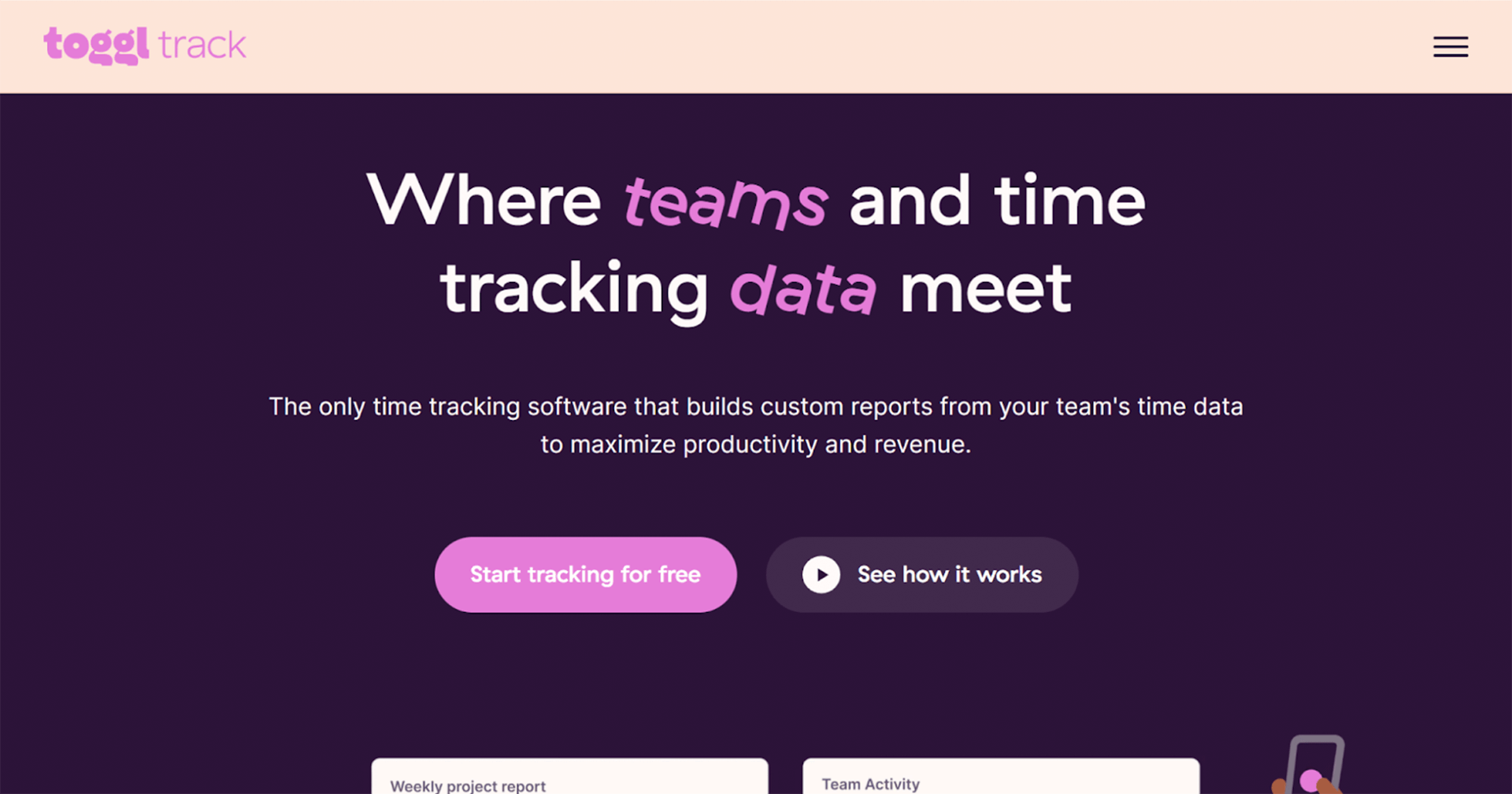
What Toggl is and what it offers
Toggl is a simple time tracking tool with project and task timers, reporting and timesheets. It is easy to start, requires little configuration and can track time across on-site work, admin, quoting or sourcing materials. It suits handymen who need flexible time entry rather than field-service features.
Toggl focuses on simplicity. Users start a timer, assign it to a task or project, and create reports to support invoicing or personal tracking.
Pros
- Highly intuitive, minimal setup
- Flexible for mixed work types (site, admin, sourcing)
- Good for solo or hybrid contractors
- Clean interface and easy adoption
Cons
- No GPS, geofencing or dispatching
- No field-service capability or job-site tracking
- Less oversight for teams across multiple sites
“A+++++ Love it. Although I am not as fastidious at tracking my time as I should be. I am generally good at tracking billable hours, and this is the perfect tool for that.”
Ideal For
- Solo tradespeople or very small crews who mainly need to track hours against projects or tasks.
- Contractors who split time between job sites and admin work like quoting or sourcing materials.
- Anyone who wants minimal setup and no field-service features such as GPS or dispatching.
Connecteam
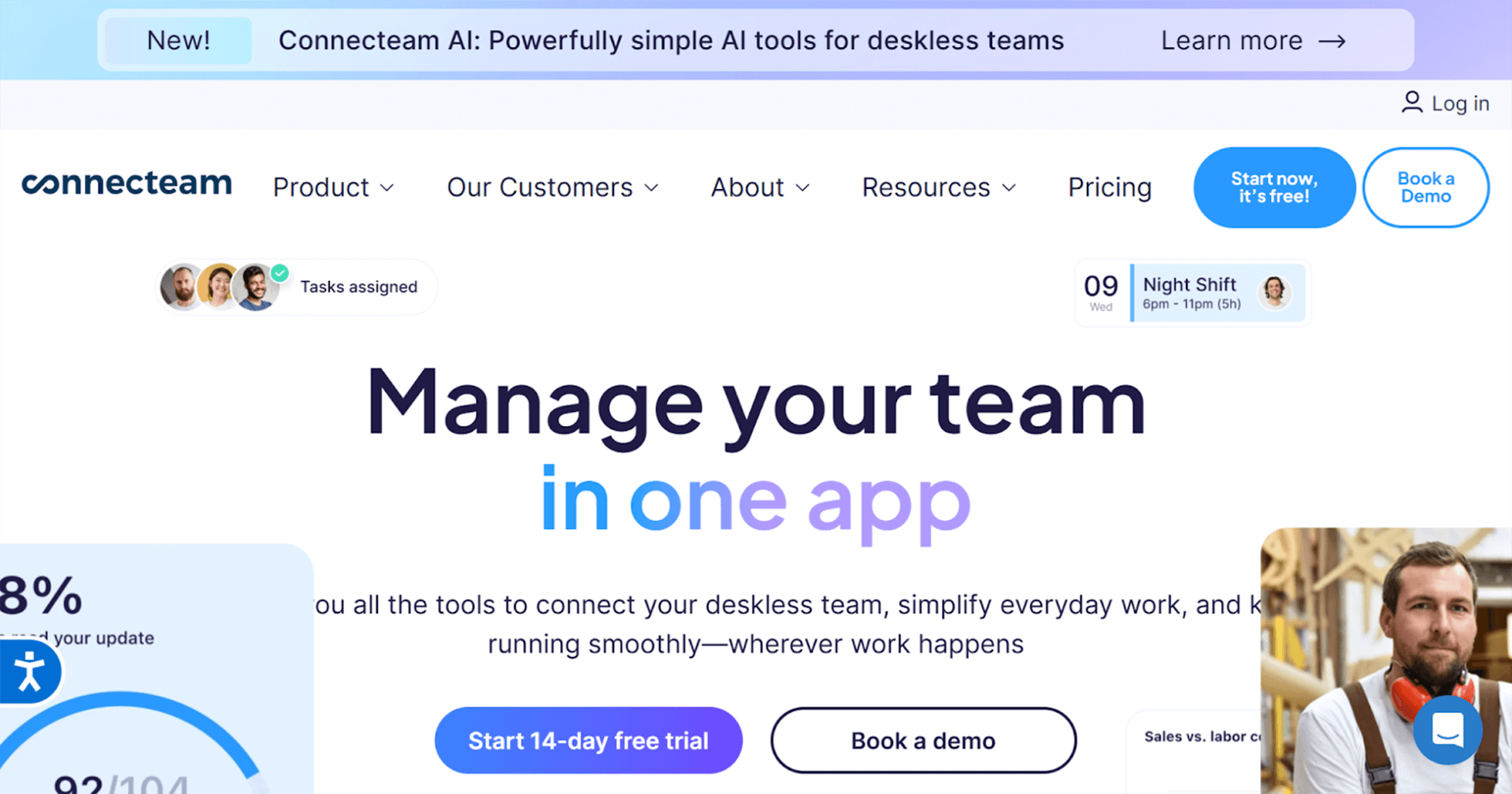
What Connecteam is and what it offers
Connecteam provides time tracking, scheduling, shift management, time off and basic HR features in a single platform. It is designed for small to medium teams that want a unified tool for time, schedules and workforce management, with an easy mobile experience.
Connecteam is often included in contractor time-tracking roundups because it offers more than simple timesheets at an affordable price, including a free tier for small teams.
Pros
- Broad functionality beyond timesheets
- Scheduling, shifts and communication built-in
- Affordable pricing, including free tier
- Good mobile access for teams on the go
Cons
- Limited job costing and field-service features
- Lacks advanced accounting integrations
- Too basic for heavy-duty contracting workflows
“I have enjoyed exploring the capabilities of Connecteams, and I think we are only scraping the surface with all of the things that Connecteams is capable of. With Connecteams, we can build customizable templates to manage our data accordingly in an easy seamless feature. Forms can be structured this way too. It's great.”
Ideal For
- Small to medium teams that want time, scheduling and basic HR inside one mobile app.
- Companies adding staff, shifts or approvals and need a simple workforce management tool.
- Owners who want to communicate with field workers easily without juggling multiple apps.
Apploye
What Apploye is and what it offers
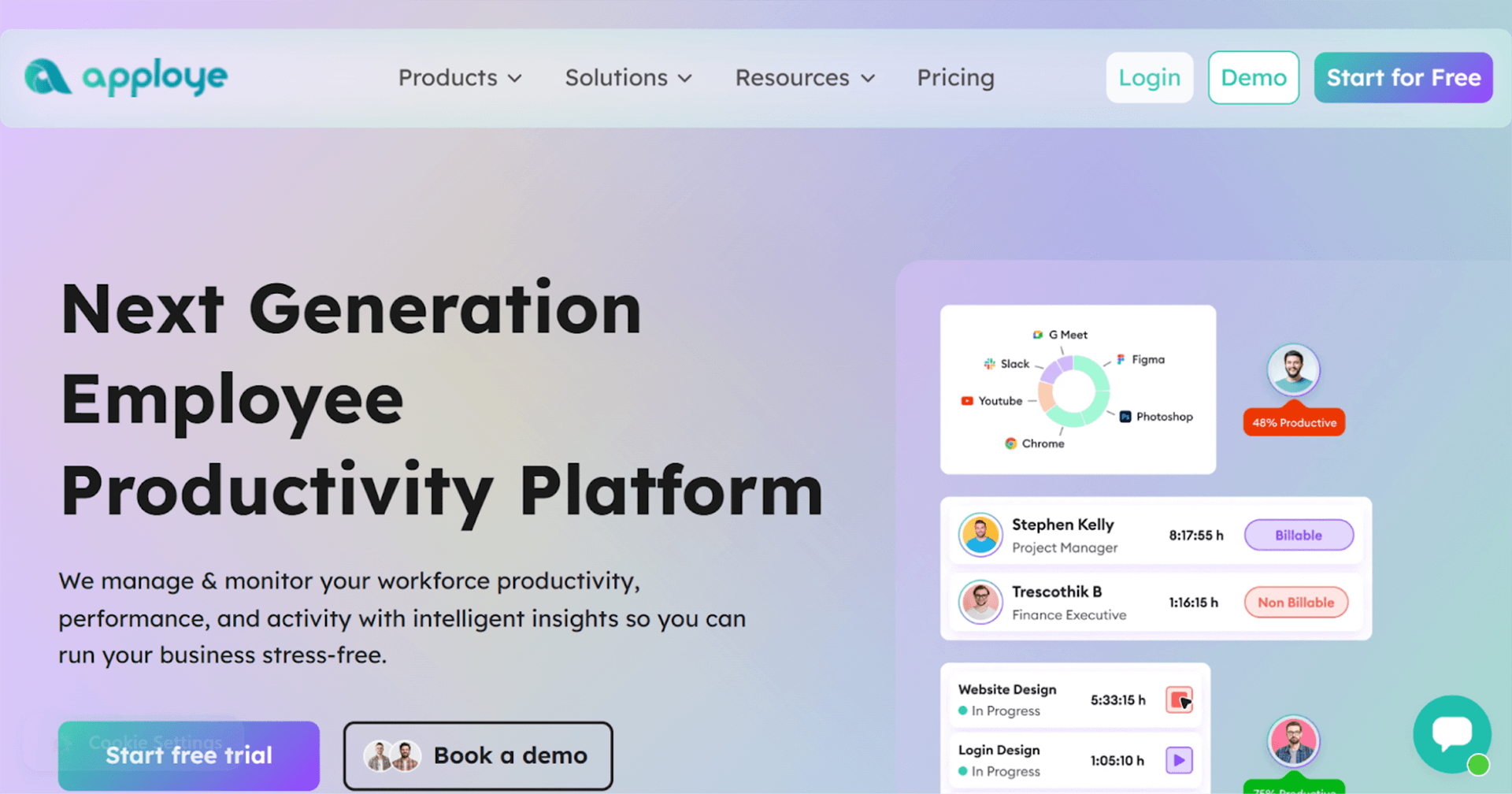
Apploye offers time tracking, task tracking and productivity monitoring for small teams. It supports remote, mobile and hybrid work, which suits businesses with a mix of on-site and administrative tasks such as quoting, materials ordering or subcontractor coordination.
Apploye focuses on flexible time entry and task visibility. It is useful when tracking who is doing which task matters more than job-site verification.
Pros
- Flexible time and task tracking
- Simple to use and good value
- Suitable for mixed on-site and remote work
- Helps track part-time workers and subcontractors
Cons
- Not designed specifically for field service
- Lacks GPS, geofencing and dispatch
- Less control over job-site accuracy
“We’ve been using Apploye internally to manage time, projects, and productivity across our teams, and it’s been consistently reliable. It helps us stay organized and transparent about where time is going, which directly improves efficiency. Their support team is responsive and open to feedback. Overall, it’s a simple, effective, and trustworthy tool that does exactly what it promises.”
Ideal For
- Teams with a mix of on-site and remote work where tracking tasks and hours is the focus.
- Small contractors, subcontractors or part-time teams who need visibility into who is doing what.
Businesses not needing GPS or dispatching, only flexible activity logging.
Clockify
What Clockify is and what it offers
Clockify is a free or low-cost time tracking tool with project timers, reporting and basic invoicing. It is widely used by contractors because the free tier supports unlimited users, making it attractive for small teams or solo tradespeople.
Clockify focuses on simple time logging rather than field-service features. Hours can be exported for billing or payroll, but job-site accuracy depends on manual entry.
Pros
- Free tier for unlimited users
- Simple and cost-effective
- Flexible for time logging per job or project
- Widely used and easy to adopt
Cons
- No GPS, geofencing or dispatching
- Manual entry reduces accuracy for job sites
- No job costing or field-service tools
“Clockify if a for what you need it for. For my little business this is all I need to time keep and make sure I have everything in one place.”
Ideal For
- Solo operators and small teams on a tight budget wanting basic time tracking for jobs or projects.
- Freelancers or handymen testing time tracking before moving to a more advanced tool.
- Work without location verification where simple manual logging is sufficient.
Zoho People
What Zoho People is and what it offers
Zoho People is a workforce management platform that includes timesheets, attendance, leave management and employee records. It suits handyman businesses that want HR features alongside time tracking, especially when managing multiple staff, contractors or compliance requirements.
Zoho People brings everything into one place for workforce administration, allowing teams to manage hours, leave and attendance in addition to job work.
Pros
- Comprehensive workforce management
- Useful for managing employees, part-timers and subcontractors
- Combines HR, attendance and timesheets
- Good for teams growing in size and structure
Cons
- Not built specifically for field-service work
- Lacks GPS, geofencing and dispatch features
- Less precise for job-level cost tracking
“Very easy to use. User-friendly app. Managing team, tracking their productivity is very smooth. Overall- Best experience.”
Ideal For
- Businesses with multiple employees, part-timers or subcontractors needing attendance and leave management.
- Teams that want HR and compliance functions included alongside time tracking.
- Companies where workforce admin is a priority rather than field-service features.
Sitemate
What Sitemate is and what it offers
Sitemate focuses on field documentation, job site data capture, work-package tracking and project coordination. It is used by larger field operations that manage multiple sites, assets and teams. Time tracking is one part of the platform rather than the main function.
Sitemate works well when businesses need detailed documentation, job logs, asset history or compliance, and when multiple crews operate across locations.
Pros
- Supports field documentation, work packages and coordination
- Useful for operations with multiple sites and assets
- More than just time tracking
- Helps manage complex workflows and compliance
Cons
- Might feel heavy for small crews
- Higher cost and learning curve
- Not ideal if time logging is the only need
“I have grown reliant on this platform more and more every day! This platform covers everything I need in my construction business...and more! best prices as well!!!”
Ideal For
- Medium to large teams coordinating multiple sites, crews or subcontractors.
- Operations needing job logs, asset tracking, inspections, or documentation, not just hours.
- Businesses with compliance, safety or record-keeping needs, where standardised field data matters.
How to Choose the Ideal Time Tracking App for Handymen
When evaluating time tracking and job-management apps, start by reflecting on how your business actually works day to day. Use the following questions as a checklist:
- Do your technicians move between multiple job sites a day - often with no fixed base? If yes: prioritise GPS/geofencing features, mobile clock-in/out and offline support.
- Do you need accurate job costing, payroll, and invoicing tied to hours worked? If yes: choose a tool with job costing, reporting, and integrations with accounting or billing software.
- How many people are on your team now - and how many might you grow to? For small crews or solo handymen, a simple tool may suffice. As you grow, you might outgrow lightweight tools.
- Do you need scheduling, dispatch, and customer/job management (CRM, quotes, history, work orders)? If yes: consider a more complete platform rather than a plain time tracker.
- Is cost a major factor? If you’re just starting or working solo, free (or cheap) tools like Clockify or Toggl may do the job. For more complex or higher-volume operations, investing in a purpose-built solution may pay off in time savings and reliability.
- How important is ease-of-use and adoption by your crew? A perfect feature set doesn’t help if no one uses the app.
If your priorities are accurate time tracking, simple scheduling, and easy payroll or invoicing, then ClockShark is worth a close look. It is built around the realities of handyman work. Crews move between jobs, hours need to be linked to specific tasks, and payroll or invoicing should not require guesswork. ClockShark tackles these challenges directly.
Its GPS and geofence tools give clear proof of where and when work happened. Job costing and scheduling features help keep crews organized, even when plans change through the day. Many users say it replaces handwritten notes, texts and spreadsheets with a system that just works. More importantly, it helps teams capture the hours they are already doing and get paid for them with fewer admin headaches.
If you want to see how this could work in your day-to-day, book a short demo to see it in action. It only takes a few minutes to understand why so many field-service teams choose it.
Ready to try the best time tracking app for Handyman Businesses?
Start your ClockShark free trial.