
How We Picked These Tools
We evaluated each app on user ratings, mobile usability for field crews, GPS accuracy, job and cost code support, scheduling, payroll and accounting integrations, plus how well it fits day-to-day trade workflows.
TL;DR – Quick Comparison
| Tool | Best for roofing teams who need… | Indicative pricing* | Rating |
|---|---|---|---|
| ClockShark | GPS time tracking + scheduling + job costing | Starts at $40/mo (plus per-user) | 4.6/5 (G2) |
| Jobber | Quote → schedule → invoice in one workflow | Basic ~ $59/mo | 4.6/5 (G2) |
| Housecall Pro | All-in-one field service workflow (dispatch + billing) | Basic ~ $59/mo | 4.3/5 (G2) |
| Workyard | High-precision GPS for multi-site labor tracking | Starts at $6/user/mo + $50 base fee | 4/5 (G2) |
| BusyBusy | Simple time tracking + job costing | Free plan or $9.99/user/mo + admin licence | 4.8/5 (G2) |
| Apploye | Tracking hours across mixed field + admin work | Entry-level pricing (varies) | ~4.6/5 (G2) |
| Clockify | Low-cost time tracking with reports and exports | Free plan (paid from $4.50–$5.49/user/mo) | ~4.5/5 (G2) |
*Pricing and ratings reflect publicly available vendor information at the time of writing. Check sites for the latest pricing and ratings.
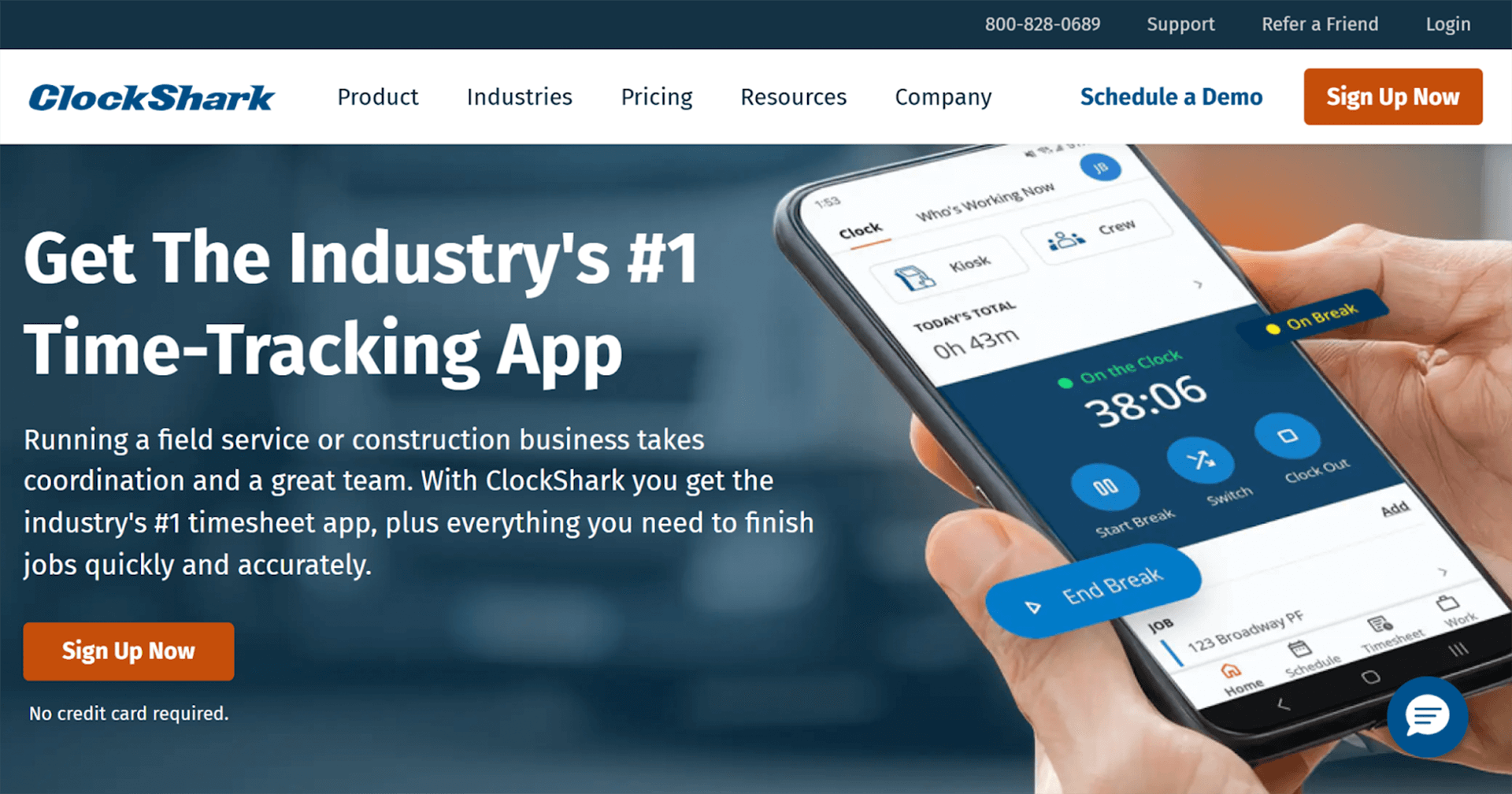
ClockShark is built for field crews who need easy-to-use time tracking software that works on-site, across multiple jobs, and without slowing the day down. Roofers can clock in and out from their phones, tag time to specific jobs or cost codes, and give the office a clean record for payroll, invoicing, and job costing without chasing paper timesheets.
Why it works well for roofing businesses:
GPS time tracking that matches how roofing crews work
Crews clock in from their phones when they arrive on site, whether that is a residential re-roof in the suburbs or a commercial job across town. GPS location data helps confirm that time is logged at the job site, not during travel or after leaving early due to weather.Geofencing for multi-job and storm response days
For companies running multiple crews or responding to storm damage across different ZIP codes, geofencing reduces missed punches and keeps time entries tied to the correct address, even when schedules change mid-day.Job and cost code tracking by roofing phase
Time can be logged against specific jobs and cost codes such as tear-off, install, flashing, repairs, or warranty call-backs. This makes it easier to compare estimated vs actual labor on roofing bids and tighten future pricing.Scheduling that adapts
When rain, wind, or heat push work back, updated schedules can be sent directly to crew phones. This is especially useful for roofing companies juggling residential installs and insurance repair work at the same time.Payroll-ready timesheets with integrations
Approved hours export cleanly to tools like QuickBooks, helping roofing businesses stay compliant with payroll rules, overtime calculations, and multi-state crews without re-entering data.
Pros
- Strong fit for field teams: mobile clock-in/out with GPS and geofencing
- Time ties cleanly to jobs and supports job costing
- Scheduling + time + integrations reduce admin for the office
Cons
- Reporting and customization can feel lighter than big project platforms
- Some reviewers mention occasional mobile app glitches
- Can feel basic for very large orgs with complex analytics needs
Pricing
ClockShark uses a monthly base fee plus a per-user cost. Plans start at around $40 per month, with an additional per-user fee of roughly $9 per user per month. A free trial is available.
“Overall, Clockshark is very simple to navigate. My company was reluctant to switch to electronic timekeeping because change can be difficult to implement. However, Clockshark offers excellent training articles, videos and live support, so everything from the integration to training our staff was a breeze.”
See a real-world example of how Cassell Roofing uses ClockShark to track labor, manage crews, and keep job costs under control.
Jobber
Jobber is a field service management platform that combines scheduling, quoting, invoicing, and basic time tracking in one system. For roofing companies that want a single place to manage customer jobs from the first estimate through to final payment, Jobber can reduce the need to juggle multiple tools.
Rather than focusing solely on time tracking, Jobber positions time as part of a broader workflow, which suits roofing contractors who prioritise job management and customer communication alongside labor tracking.
Key features for roofers:
Job-based time tracking for logging labor hours against individual roofing jobs
Crew scheduling and dispatch for assigning work and adjusting schedules when weather delays hit
Quotes, work orders, and invoices are all managed in one system
Mobile app for field crews to track time and view job details on site
Customer communication tools for sending appointment reminders and job updates
QuickBooks Online integration for syncing job and time data to payroll and accounting
Pros
- All-in-one platform covering scheduling, quoting, invoicing, and time tracking
- Well-suited to residential roofing companies with repeat job types
- Strong customer communication tools
- Clean, user-friendly interface
Cons
- Time tracking is not as detailed as tools built specifically for labor tracking
- Limited job costing depth for complex or multi-phase roofing projects
- GPS tracking is more limited compared to specialist roofing time tracking apps
- Pricing increases as features and users are added
Pricing
Per-user monthly pricing with a free trial. Core plans start around $29/month when billed annually with higher tiers available based on team size and features.
“Jobber is easy to use, and the scheduling is easy to understand. Color coding jobs make figuring out where my teams are very simple.”
Housecall Pro
Housecall Pro is an all-in-one field service management platform designed to help service businesses manage scheduling, dispatch, invoicing, and payments alongside basic time tracking. For roofing companies that want strong control over jobs and customer communication, it offers a broad operational toolkit in one system.
Like Jobber, Housecall Pro treats time tracking as part of a wider workflow rather than a standalone function. It suits roofing contractors who care most about keeping jobs moving, crews scheduled, and invoices sent quickly, rather than deep labor analytics.
Key features for roofers:
Job-based time tracking for logging labor hours against individual roofing jobs
Crew scheduling and dispatch for managing daily workloads and reacting to weather delays
Estimates, work orders, and invoices managed in one system
Mobile app for field crews to clock in, view job details, and update job status
Built-in payment processing to collect customer payments faster
QuickBooks integration for syncing job and billing data with accounting
Pros
- All-in-one platform for scheduling, invoicing, and payments
- Well-suited to residential roofing companies with high job volume
- Built-in payments help speed up cash collection
- The mobile app is easy for crews to use
Cons
- Time tracking is basic compared to specialist labor tools
- Limited job costing depth for multi-phase roofing projects
- GPS and location tracking are limited
- Pricing increases as features and users are added
Pricing
Per-user monthly pricing with a free trial. Basic-level plans start around $59/month, with higher tiers available depending on team size, feature access, and payment tools.
“Real automation without a complicated learning curve. It is possible to schedule appointment reminders, automatic charges, and follow-ups without needing to be a software expert.”
Workyard
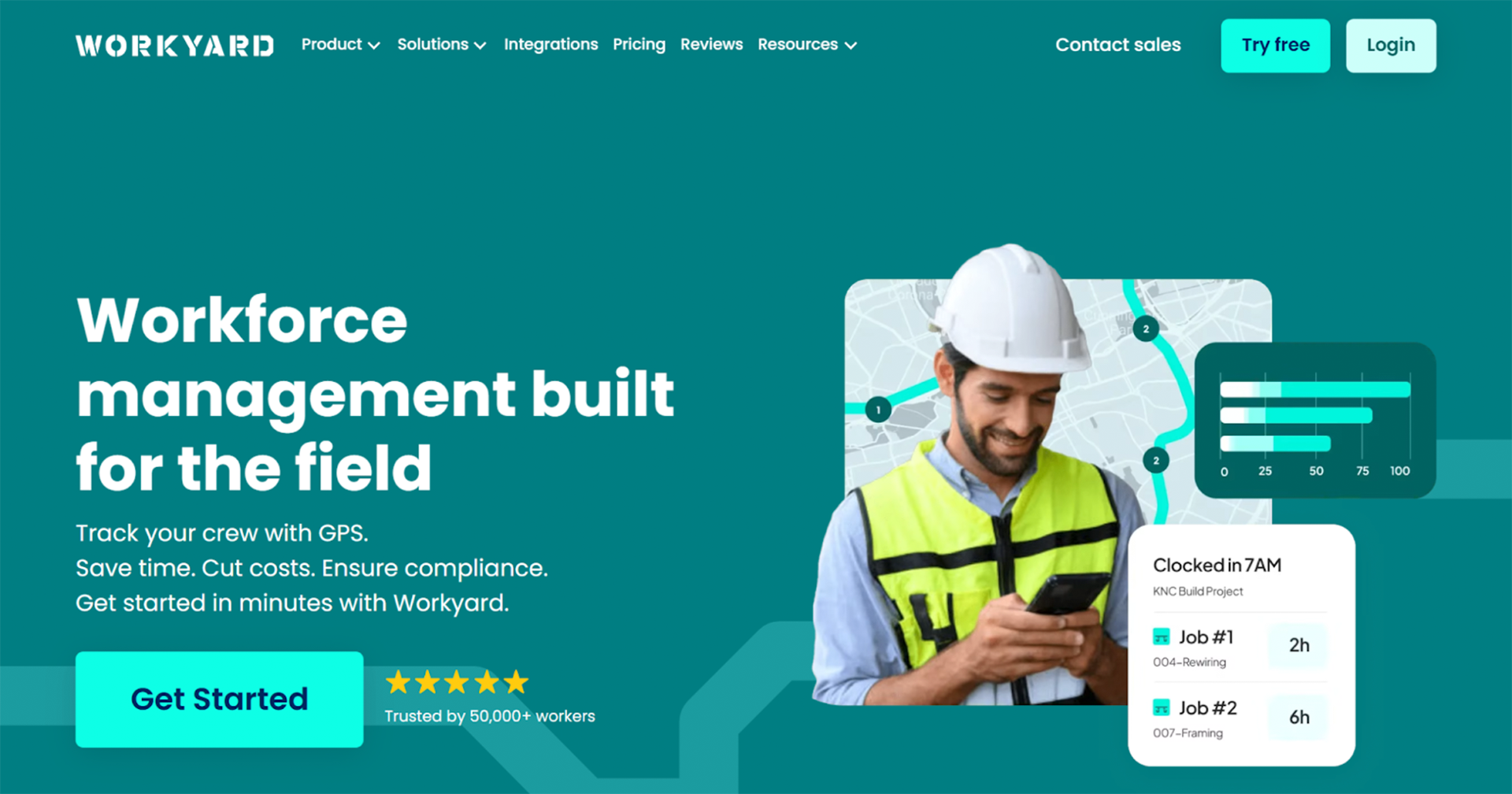
Workyard is a construction-focused time tracking platform built around precise GPS tracking and job-based labor reporting. For roofing companies that want tighter visibility into where time is actually being spent on site, Workyard focuses less on customer workflows and more on labor accuracy.
Unlike all-in-one field service tools, Workyard treats time tracking as the core product. It suits roofing contractors who want to tighten job costing, reduce disputed hours, and understand labor productivity across multiple job sites.
Key features for roofers:
GPS-based time tracking for recording labor hours at specific job locations
Automatic location tracking to verify time spent on site
Job-based time tracking for allocating labor to individual roofing projects
Crew management tools for overseeing multiple teams across sites
Detailed labor reports for comparing estimated vs actual hours
QuickBooks integration for syncing approved time to payroll
Pros
- Highly accurate GPS tracking for multi-site roofing work
- Strong job-based labor reporting
- Useful for validating hours on storm response or repair jobs
- Clear reporting for payroll and job costing
Cons
- Not a full job management or invoicing platform
- Limited customer communication and scheduling tools
- Requires crews to be comfortable with location tracking
- Less suitable for contractors wanting an all-in-one system
Pricing
Per-user monthly pricing with a base platform fee. Plans typically start around $6 per user per month, plus a monthly company fee, with pricing increasing based on team size and reporting needs.
“I can view the workers' locations at each job site, which is very helpful. If they forget to log their tasks or projects, I am still able to check their location history and enter the time for each project afterwards.”
BusyBusy
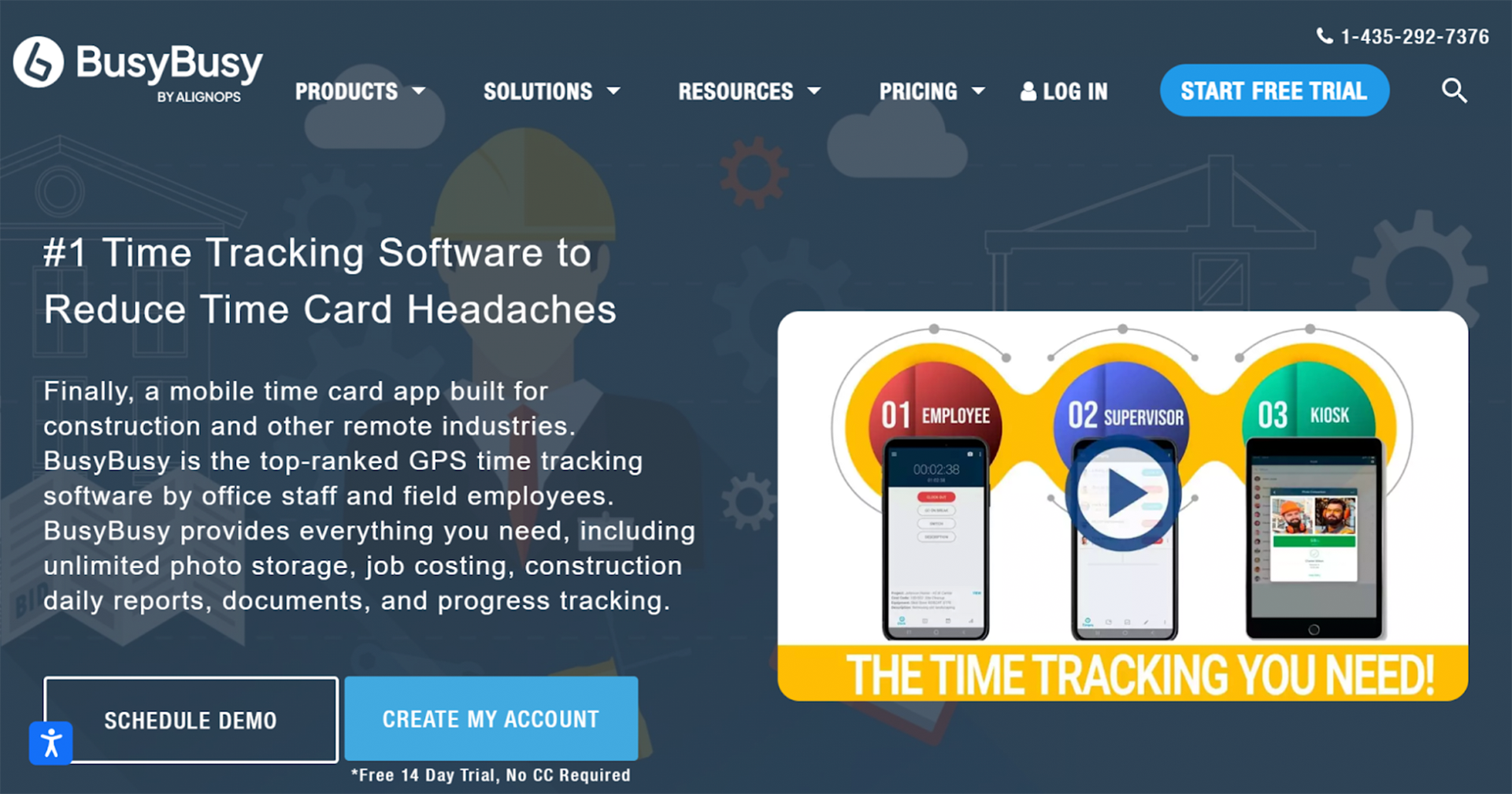
BusyBusy is a construction-focused time tracking app designed to help crews log hours against jobs without adding complexity. For roofing companies that want straightforward labor tracking and job costing, BusyBusy focuses on the essentials rather than full job management.
Unlike all-in-one field service platforms, busybusy is centred on time tracking and labor visibility. It suits roofing contractors who want to understand where labor hours are going without changing how they quote, invoice, or manage customers.
Key features for roofers:
One tap clock in and clock out, designed for crews starting work quickly on site
Job and cost code tracking focused on labor only, not customer or billing workflows
Passive GPS location logging to confirm crews were on site during logged hours
Foreman-friendly time approvals before hours are sent to payroll
Offline time tracking for rural or low signal job sites
QuickBooks integration for exporting approved hours without re-entering data
Pros
- Easy for crews to adopt with minimal training
- Strong job and cost code tracking for labor analysis
- GPS tracking helps validate on-site hours
- Free plan available for basic use
Cons
- Not a full job management or invoicing platform
- Reporting is less advanced than some competitors
- Scheduling tools are limited
- Requires add-ons for more advanced features
Pricing
Free plan available with basic functionality. Paid plans typically start around $9.99 per user per month, plus an admin license fee, with pricing increasing based on features and team size.
“I find BusyBusy to be incredibly easy to use, especially for logging my admin work. The platform allows me to simply clock in and out with the click of a button, which makes it user-friendly. It effectively helps me keep track of my working hours when I'm doing tasks from home, relieving me from the hassle of logging hours manually.”
Clockify
Clockify is a general-purpose time tracking tool designed for teams that want a simple, low-cost way to track hours and generate reports. For roofing companies, it is most often used as a basic digital replacement for paper timesheets rather than a full field service or construction platform.
Clockify is not built specifically for roofing or trades. It suits smaller roofing businesses that mainly need to record hours worked and export them for payroll, without advanced GPS controls, scheduling, or job costing.
Key features for roofers:
Manual time entry and timer-based tracking for recording hours worked
Project-based tracking that can be used to separate time by job or customer
Simple mobile app for clocking in and out from the field
Timesheet approvals before hours are finalised
Flexible reporting for exporting hours by worker, job, or date range
Integrations with payroll and accounting tools, including QuickBooks
Pros
- Free plan available for basic time tracking
- Very low cost compared to construction-focused tools
- Easy to set up and use with minimal training
- Flexible reports for payroll and admin
Cons
- Not built specifically for roofing or trade workflows
- No geofencing or job-site level GPS controls
- Limited job costing and labor analysis
- Scheduling and dispatch tools are minimal
Pricing
Free plan available with core time tracking features. Paid plans start at $5.49 per user per month, with higher tiers ranging up to $11.99 per user per month, depending on reporting, approvals, and admin controls.
“I value its clarity and discipline. Clockify keeps time tracking straightforward, reliable, and impossible to fudge. It forces accuracy, makes reporting painless, and gives you a clean view of where hours are actually going.”
Apploye
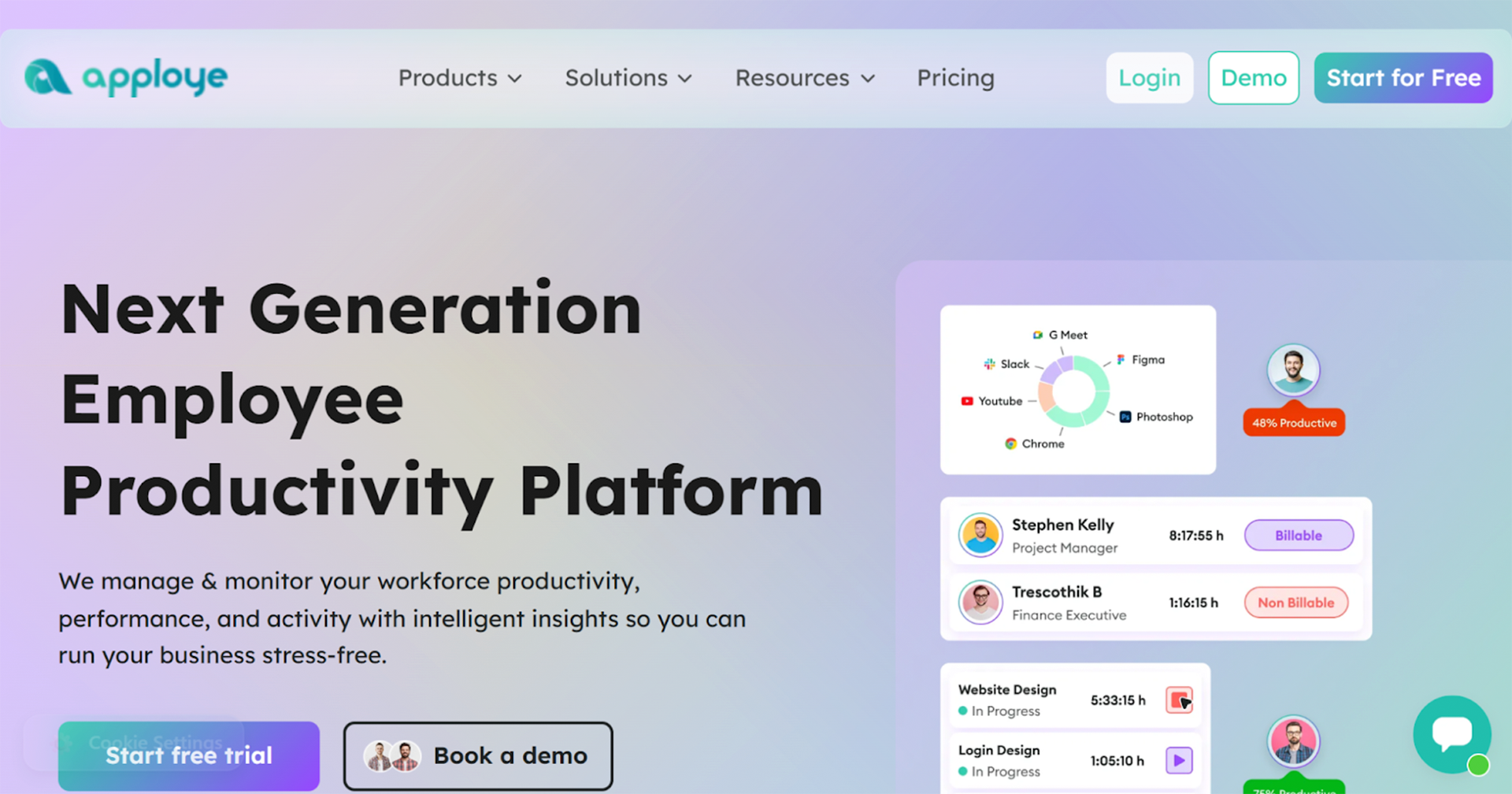
Apploye is a time tracking platform designed for teams that split their time between field work and office tasks. For roofing companies, it is most relevant where supervisors, estimators, or project managers need to track time alongside crews working on-site.
Apploye offers more flexibility than basic time trackers when tracking time across mixed roles. It suits roofing businesses that want visibility into both on-site labor and office-based work without investing in a full field service system.
Key features for roofers:
Manual and automatic time tracking for both field and office-based roles
Project-based tracking that can be used to separate time by job or internal task
Optional GPS tracking on mobile devices to confirm location during work hours
Screenshot and activity tracking for office or admin staff
Web and mobile apps for tracking time across different work environments
Payroll and accounting integrations for exporting approved hours
Pros
- Useful for tracking time across mixed field and office teams
- More oversight of admin and back-office time than most tools
- Affordable compared to construction-specific tools
- Flexible tracking options for different roles
Cons
- Not built specifically for roofing or trade workflows
- GPS features are lighter than trade-focused platforms
- No built-in scheduling or job dispatch tools
- Job costing features are limited
Pricing
Per-user monthly pricing with a free trial and plan available. Paid plans start at $4.50 per user per month, with higher tiers available for advanced monitoring, reports, and integrations.
“The thing I loved the most about Apploye was its time tracking/hours + screenshot ability to monitor my workers. It helps to ensure accountability and keep track of hours/scheduling on an easy-to-read dashboard. The tool improved productivity by saving time on manually tracking hours, creating reports, and motivating workers to stay on task.”
FieldVibe
FieldVibe is a lightweight field service management app designed for small service businesses that want to handle scheduling, time tracking, and invoicing in one place. For roofing companies, it is most relevant for owner-operators or small teams looking for a simple system without the cost or complexity of larger platforms.
FieldVibe combines basic time tracking with job management and billing. It suits roofing contractors who want an entry-level tool to organize jobs and record labor, rather than detailed job costing or advanced crew controls.
Key features for roofers:
Job-based time tracking for recording hours against individual roofing jobs
Simple scheduling tools for assigning jobs and tracking daily workloads
Invoicing and payment tracking are built directly into the platform
Mobile app for field crews to log time and update job status
Customer and job records stored in one system
Basic reporting for reviewing time, jobs, and invoices
Pros
- Free plan available for small teams
- Combines time tracking, scheduling, and invoicing
- Easy to set up and use
- Good fit for owner-operators and very small crews
Cons
- Limited reporting and labor analysis
- Not suited to complex or multi-phase roofing projects
- GPS and location tracking are minimal
- Fewer integrations than larger platforms
Pricing
Free plan available with core features. Paid plans start at around $20 per user per month, adding more advanced job management and invoicing capabilities as teams grow.
“The app look very slick and is very easy to use. I loved the fact that we received the first 2 accounts for free, all features included. This is very helpful for small companies like ours.”
Choosing the Best Time Tracking App for Roofing
Choosing the best solutions for roofers is about understanding where labor is going, protecting margins, and giving both crews and the office confidence in the numbers they rely on every week.
For some roofing companies, a simple digital timesheet is enough. For others, especially those running multiple crews, handling storm work, or quoting fixed-price installs, time tracking needs to connect directly to job costing, scheduling, and payroll. The more clearly time data reflects what actually happens on site, the easier it becomes to price jobs accurately and spot issues before they eat into profit.
When comparing your options, it helps to prioritise:
- How easily crews can clock in and out on site
- Whether hours are tied to specific jobs or phases of work
- The level of visibility you get across multiple job sites
- How smoothly approved time flows into payroll and accounting
- Whether the tool fits roofing workflows rather than generic office work
For roofing companies that want labor tracking built specifically for field crews, ClockShark stands out as a top roofing time tracking app designed around how trade teams work. Its GPS-based time tracking, job and cost code visibility, scheduling tools, and payroll integrations are designed to reflect how roofing teams actually work day to day.
If you want to see how ClockShark could fit into your roofing operations, you can explore the platform with a free trial and decide whether it gives you the level of control and clarity your business needs.
Ready to try Clockshark’s roofing time tracking app?
Start your ClockShark free trial today.